SEGMENTING IMAGES
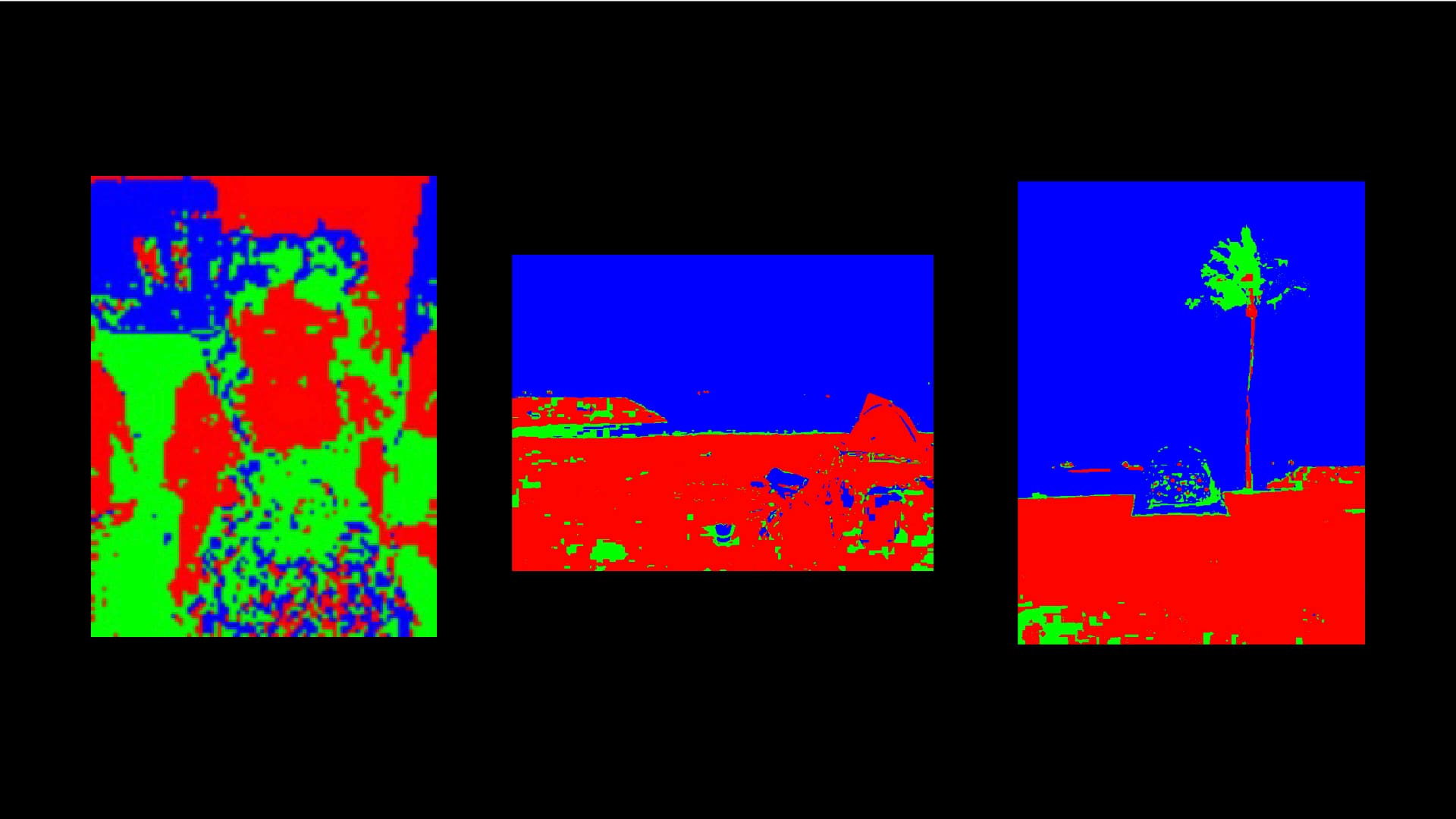
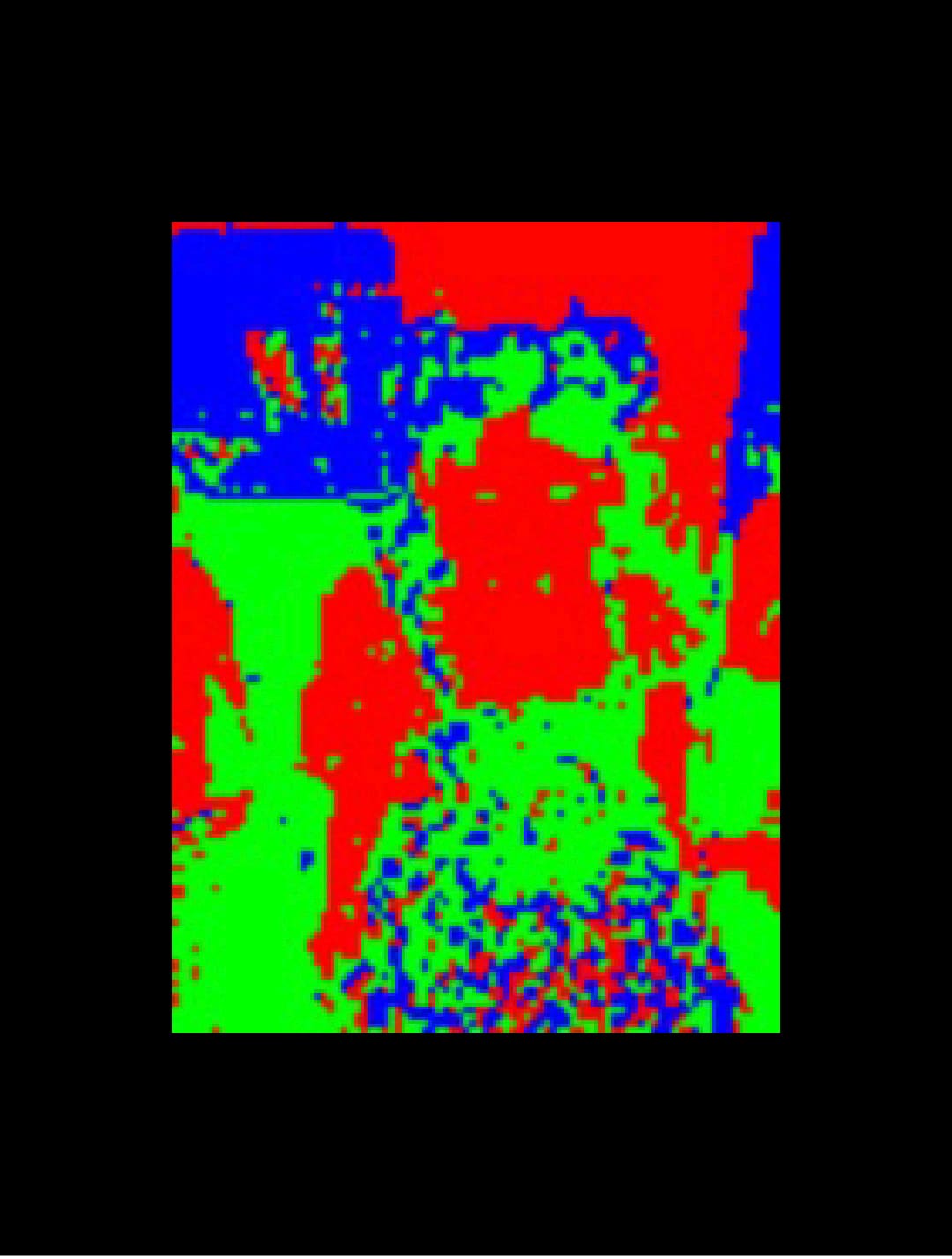
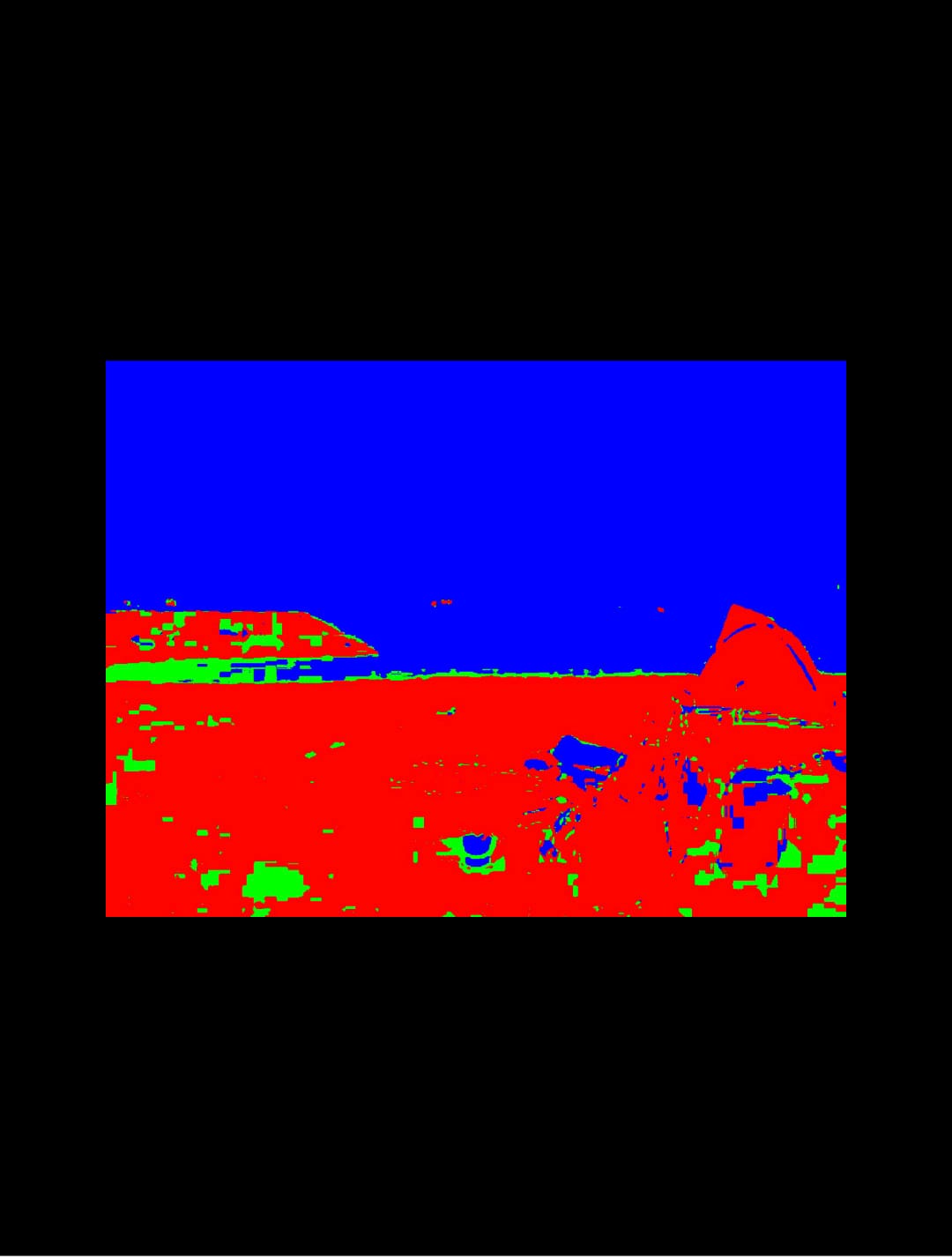
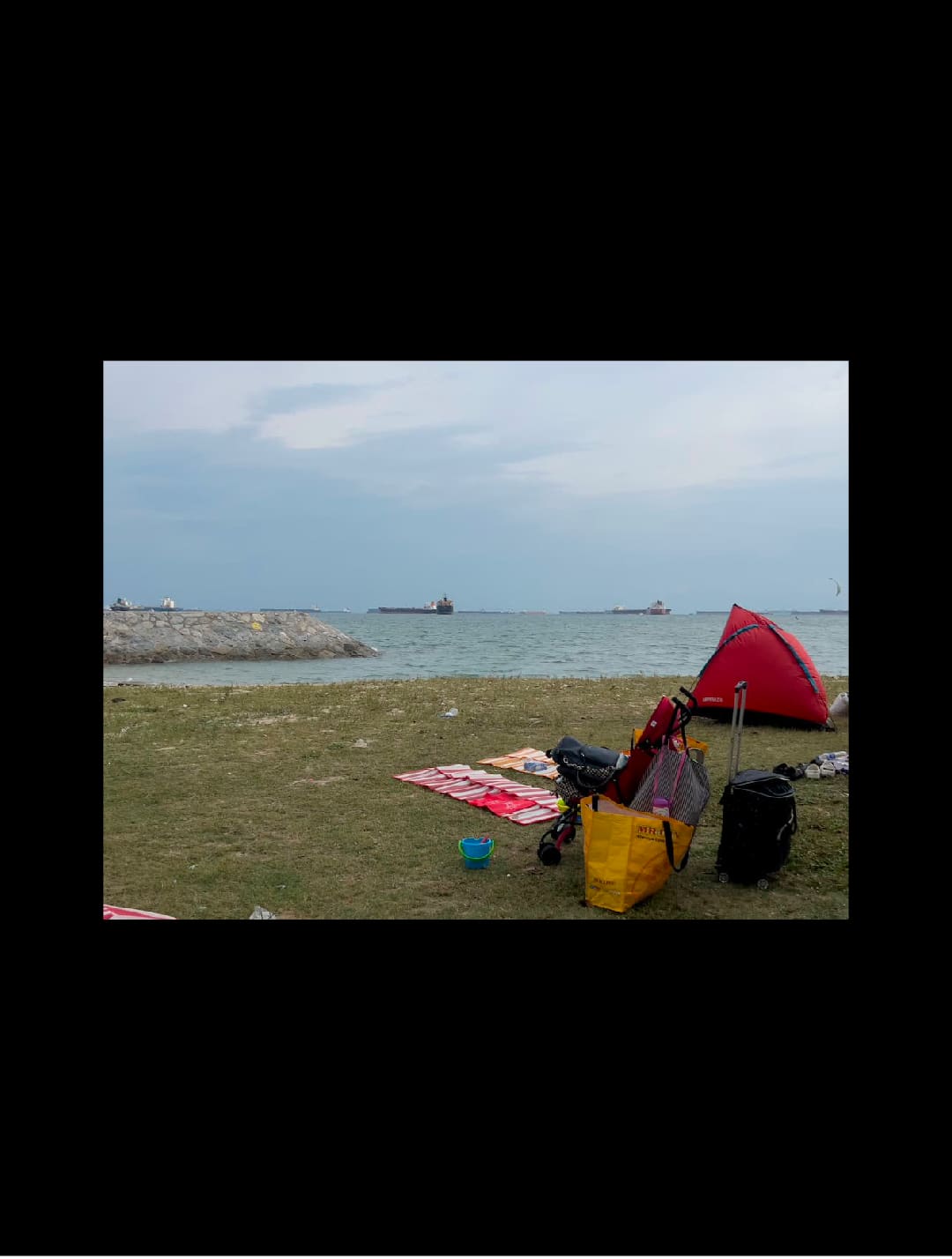
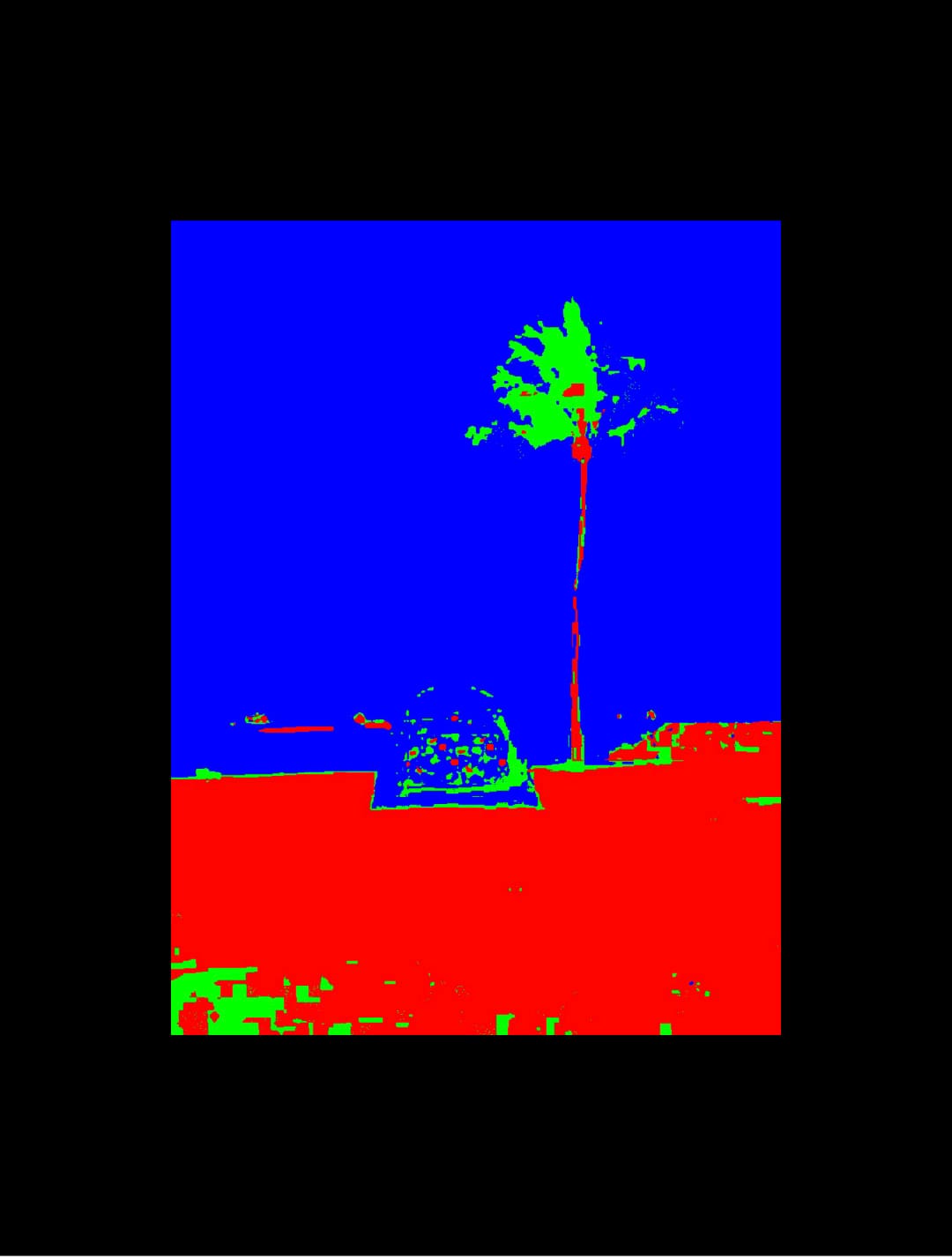
In this image segmentation experiment, I segmented images by grouping similar colors into one of the reference colors I provided, similar to how color segmentation works. In this case, I defined three reference colors (red, green, and blue) and segmented the image based on which of these colors each pixel is closest to. If a pixel's color in the image is close enough to one of the reference colors, it is recolored with the closest reference color. The segmented images are then fed to ChatGPT for image analysis.
The objective is to see what the segmentation includes and what it leaves out through ChatGPT’s analysis. By looking at this way, we could see how the objects in these images are interpreted through pixels of colors.

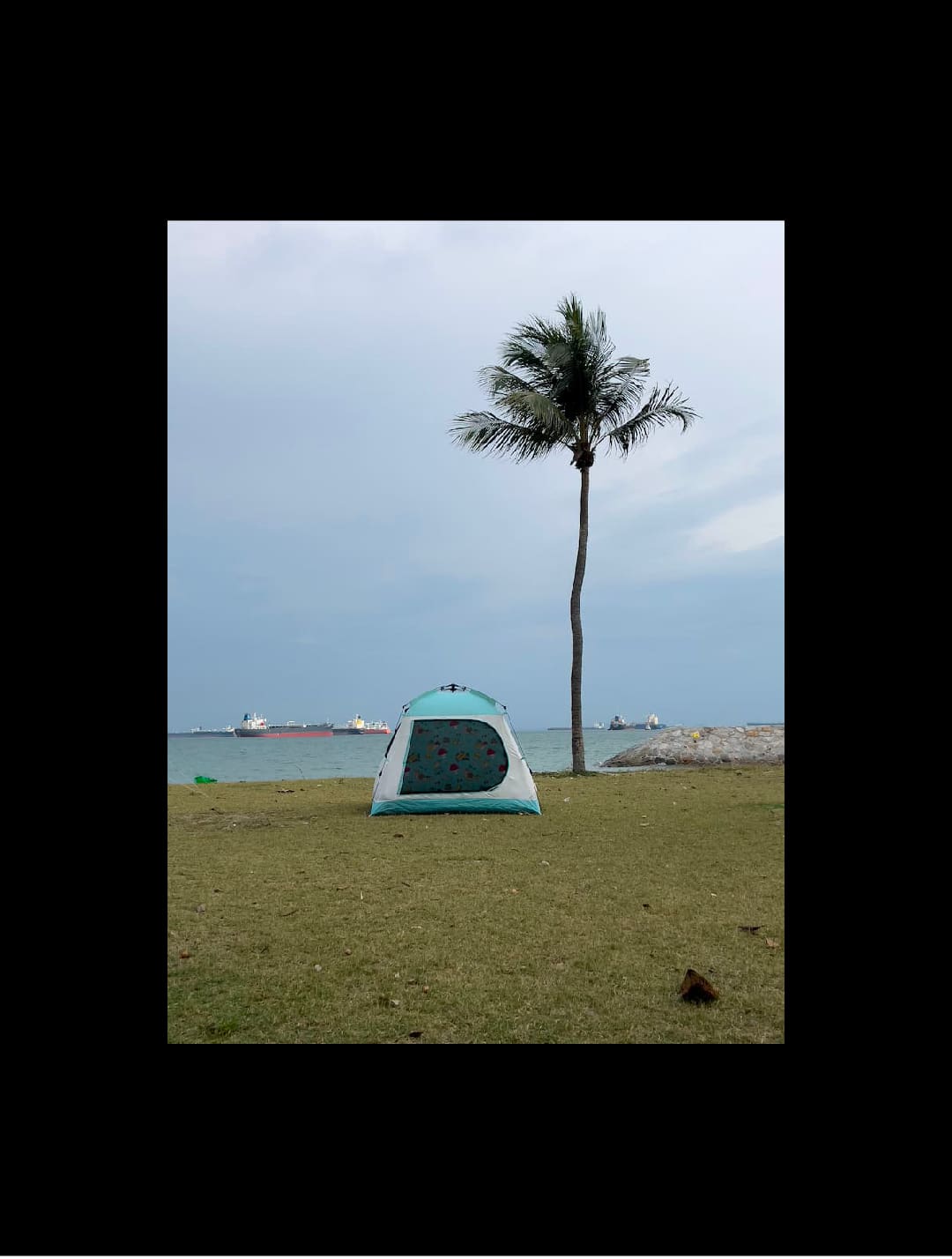
COLOR SEGMENTATION
In machine learning, image segmentation is used in complex tasks such as object recognition, image analysis, facial recognition, etc. It involves partitioning an image into multiple segments or regions, each corresponding to a specific object, part of an object, or region of interest. It is an important technique for machine learning to achieve higher levels of understanding with raw data. This experiment is a simple example to demonstrate the concept of image segmentation by grouping pixels based on RGB color similarity.
I used three different images and input them into a sketch code I created in p5.js. The code works by grouping the RGB values of the image based on color similarity. Using a reference color in the sketch, it segments the image into color groups aligned with the red, green, and blue reference colors. This sketch code offers a simple way to understand color segmentation by focusing on just three distinct colors: red, green, and blue.
Hover over the image
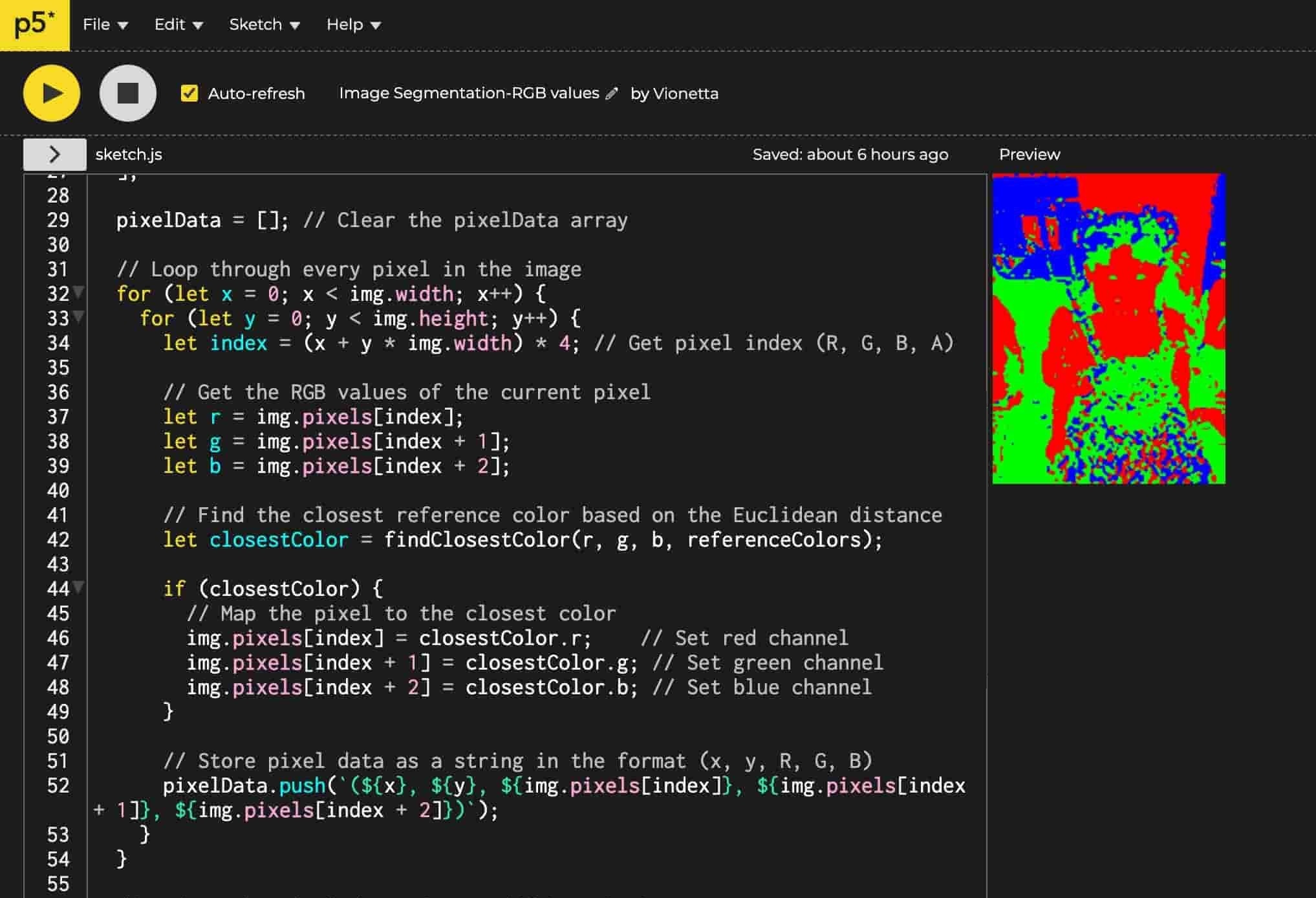
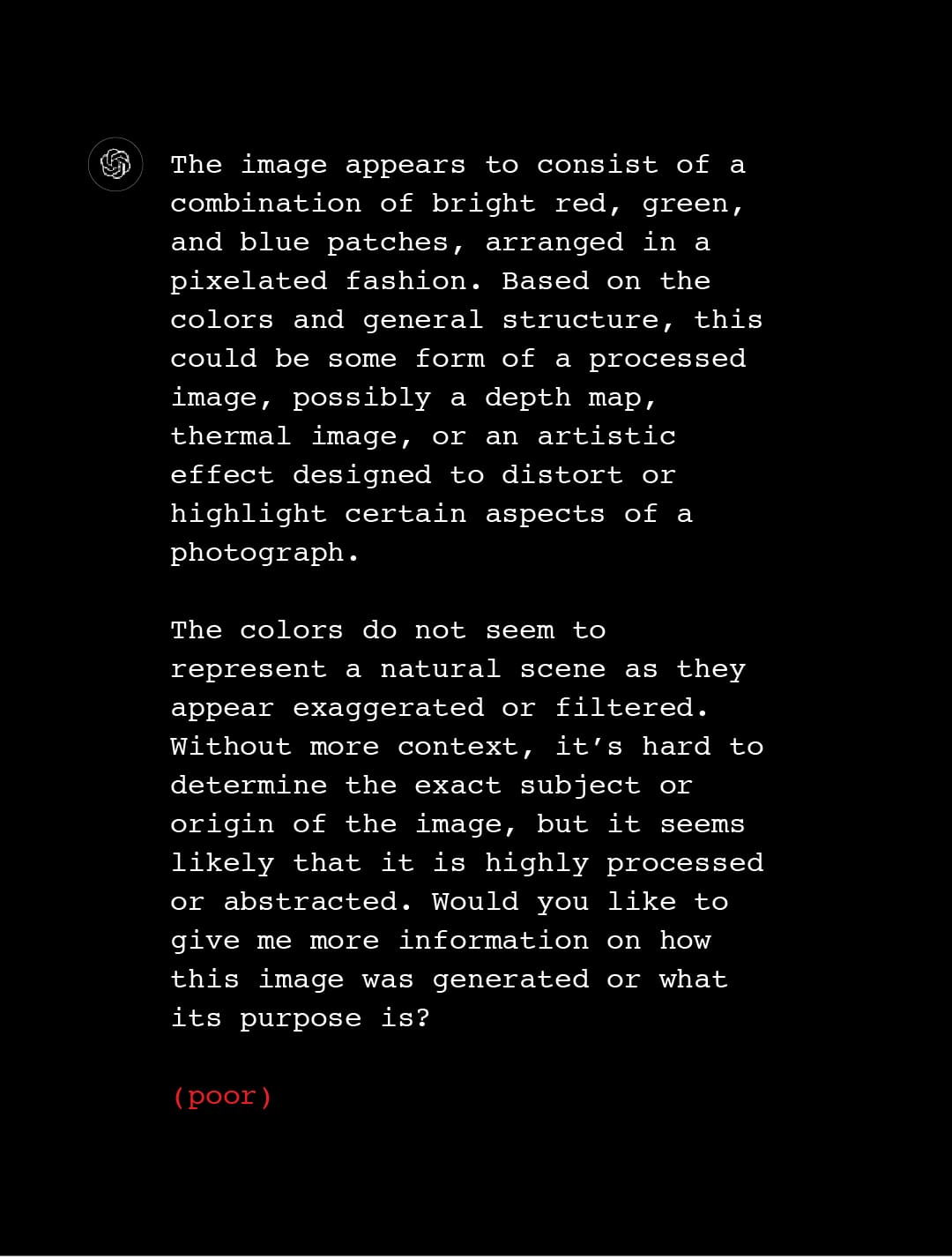
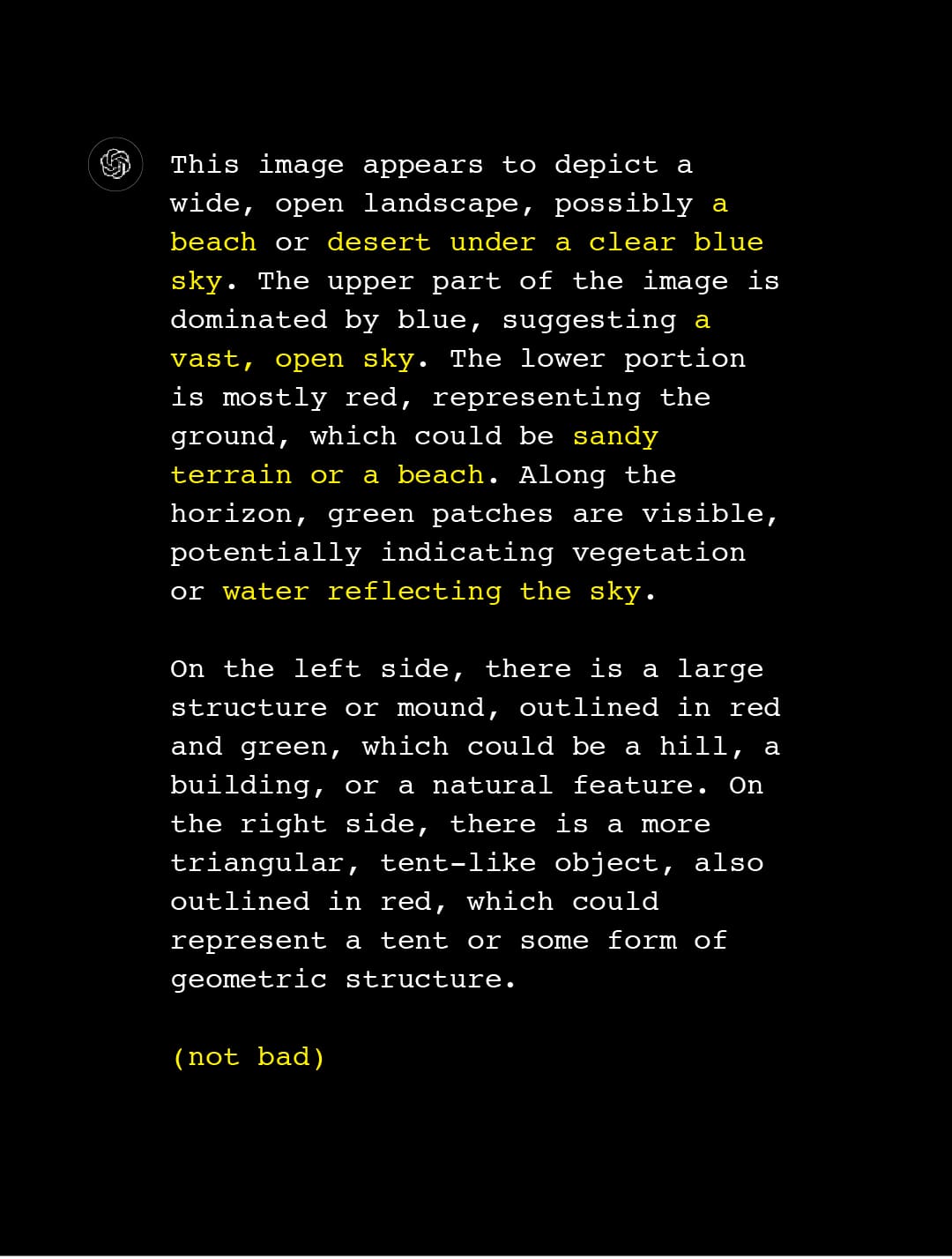
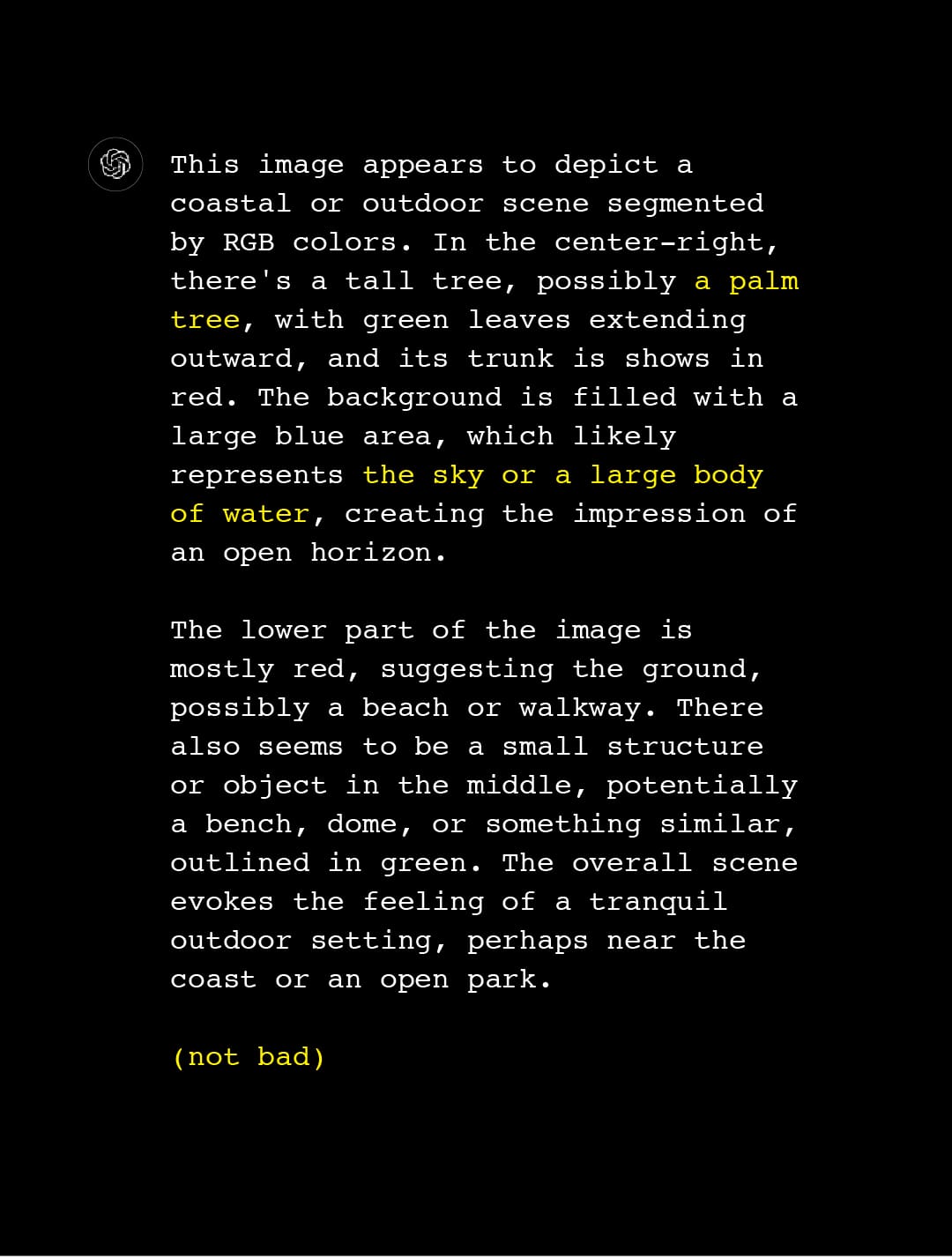
IMAGE ANALYSIS
The resulting segmented images were then fed to ChatGPT to analyze its interpretation based on these color segments. The objective was to see what details the segmentation process includes or not, as interpreted by ChatGPT. Since I’m using a basic segmentation technique (a foundational approach compared to those used in complex machinelearning tasks), it’s easier to test a machine learning model’s ability to interpret what it "sees" through this pixel data, particularly as the results are quite abstract.
From the results, we can see how the model is capable of interpreting these colors as a representation of objects with higher resolution of the image. If there are more resolution, there are more pixels (data points) to be grouped, and the model can assume these details more accurately. Like the red region "represents the ground", and the blue region "represents the sky."
Hover over the image
VISUAL EXPLORATIONS
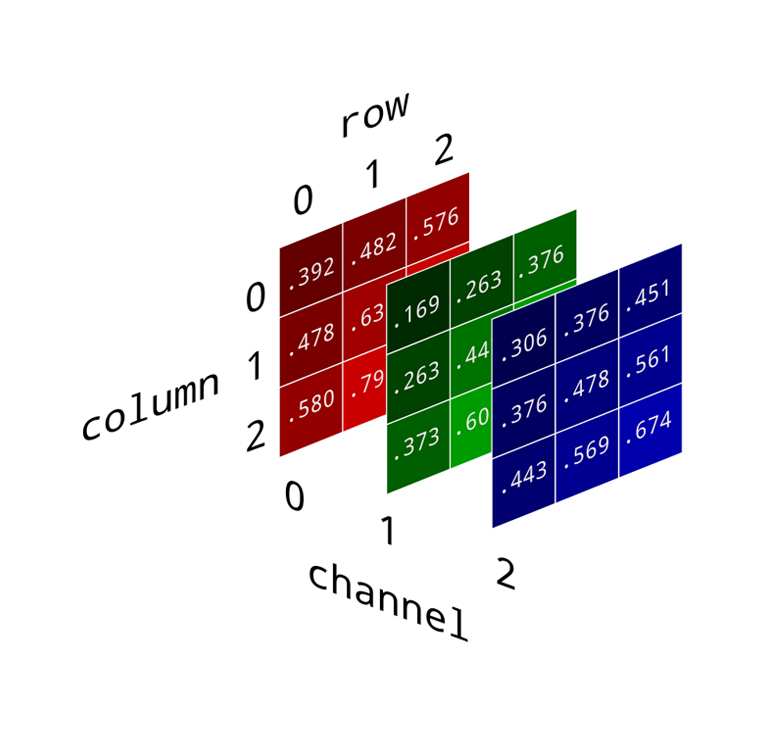
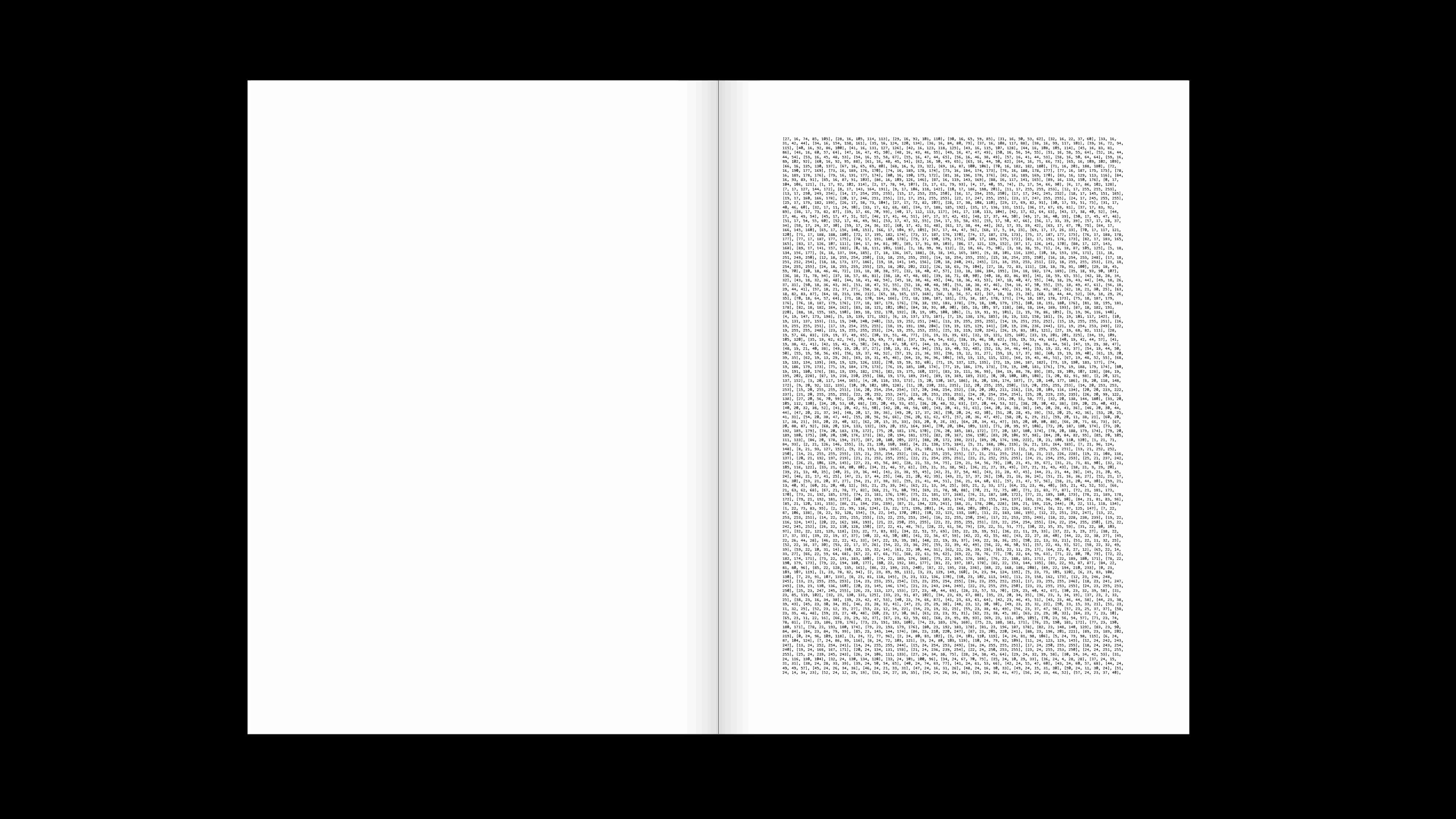
These additional experiments visually explore how pixel colors are represented in a three-dimensional Numpy array—a collection of three two-dimensional arrays, each corresponding to the red, green, and blue channels. It shows how color images are represented in RGB format.
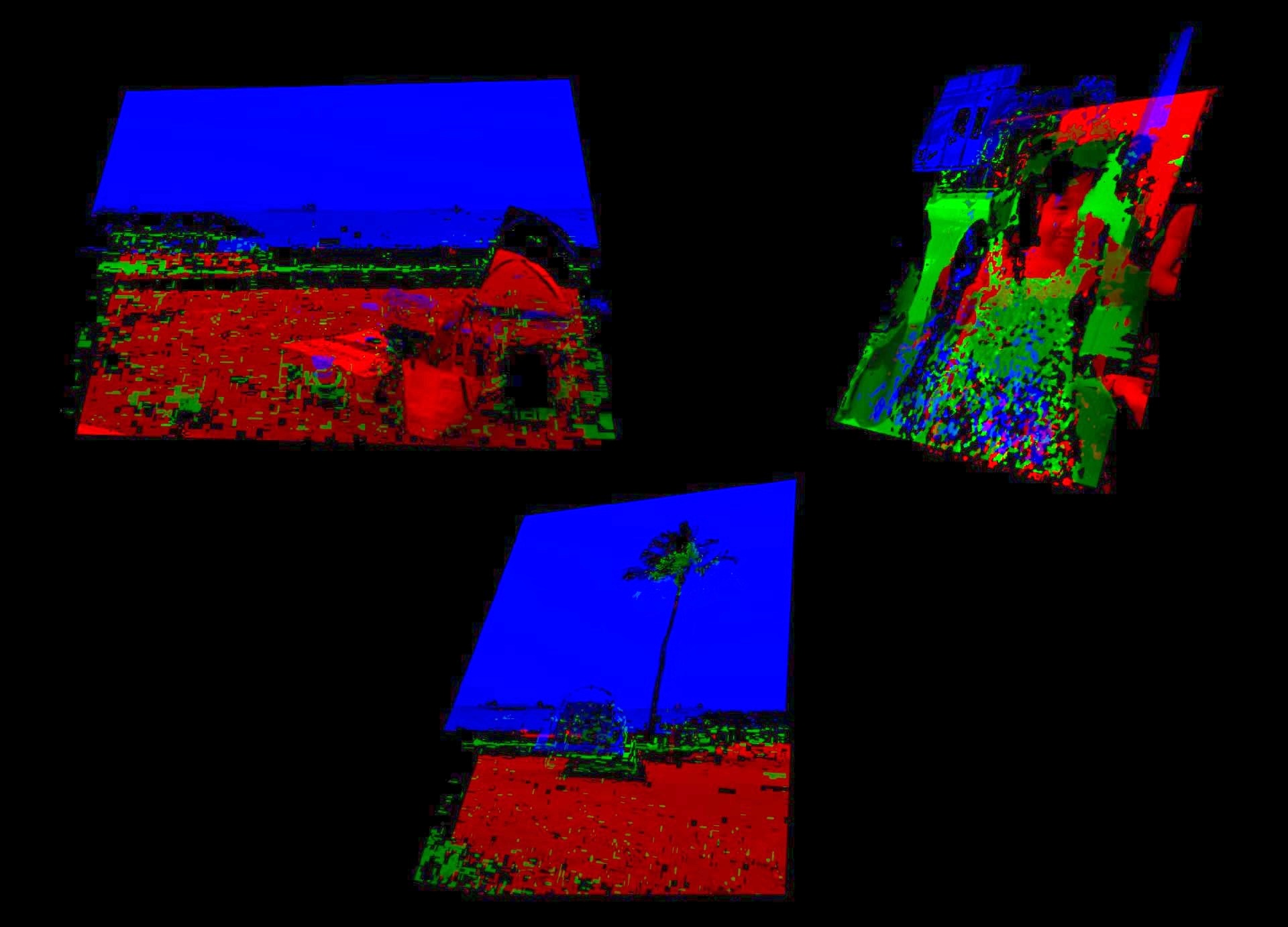
Using a p5.js sketch, I created a visual representation of how each color channel can be segmented from the original image. Each channel is displayed as a separate layer, mimicking the structure of the three-dimensional arrays illustrated in the diagram.
To interact with the sketch code, press key "1", "2" and "3" to change the image. Press "w" to change the background into white, and press "b" to change it back to black. You can also drag to rotate the image using the touchpad.